


Best Monitor Arm for Neck Pain (2026)
This article contains affiliate links. If you purchase through these links, we may earn a small commission at no extra cost to you.
The Ergotron LX is the answer for most people reading this page. It has the widest adjustment range in its price tier, a gas-lift mechanism that owner reports consistently praise for holding position after 12+ months, and a 10-year warranty that no competitor under $250 matches. This guide is for remote workers with standard 24–34" monitors who are tired of staring down at a screen placed directly on a desk — or staring up at one that's been stacked on books and box lids.
What actually matters in a monitor arm for neck pain
Ignore any review that leads with "premium feel" or "sleek aesthetic." Those are marketing proxies. Here are the five specs that determine whether an arm actually fixes your neck:
1. Height adjustment range (not just "adjustable")
The spec sheet will say "adjustable." What you need is the actual usable range — how many inches above and below the desk surface the monitor can sit. Most ergonomic guidelines put monitor eye level at the top third of the screen, and arm height has to reach that point for your seated or standing height. Arms with only 5–7" of vertical range can still leave shorter or taller users stuck. Look for 15"+ of vertical travel.
2. Tilt range — and whether it holds
You need enough forward tilt to kill screen glare and enough backward tilt to dial in eye-level angle. More importantly, you need the arm to hold that tilt. Gas-lift arms are the standard mechanism; quality varies enormously. One-star Amazon reviews that mention "creeping down overnight" or "won't hold my monitor" are an early warning sign on cheap arms. Published long-term owner reports are more reliable than first-week impressions.
3. Weight capacity vs. your actual monitor weight
This is where buyers get burned. A 27" QHD monitor typically weighs 9–15 lbs with the stand removed. A 34" ultrawide can hit 18–22 lbs. If the arm's weight range tops out at 19.8 lbs and your monitor is 18 lbs, you're near the ceiling — and the gas lift will drift over time. Build in headroom. Aim for your monitor weight to be no more than 75% of the arm's rated maximum.
4. VESA compatibility
Standard is 75×75mm or 100×100mm. Confirm your monitor has a VESA mount on the back before buying. Many budget monitors — and some mid-range ultrawides — use proprietary stands with no VESA holes. A VESA adapter plate can fix this but adds complexity and usually introduces wobble. Check your monitor's manual first.
5. Desk clamp vs. grommet — and desk thickness limits
Most arms ship with both clamp and grommet options. The clamp matters more than you'd think: clamp designs vary in how much desk thickness they accommodate (typically 0.8" to 3.5") and how firmly they grip without gouging the surface. Glass desks and hollow-core ikea tops have specific limitations. Check the arm's stated desk thickness range against your actual desk.
Comparison table
| Product | Weight Capacity | Vertical Travel | VESA | Typical Price | Price per lb of Capacity | Best for |
|---|---|---|---|---|---|---|
| Ergotron LX | 7–25 lbs | ~15" | 75×75, 100×100 | ~$210 | ~$8.40/lb | Most 24–32" monitors |
| Ergotron HX | 20–42 lbs | ~14" | 75×75, 100×100 | ~$345 | ~$8.21/lb | Heavy ultrawides, 38–49" screens |
| Humanscale M8.1 | Up to 20 lbs | ~14" | 75×75, 100×100 | ~$454 | ~$22.70/lb | All-day power users, zero-drift demand |
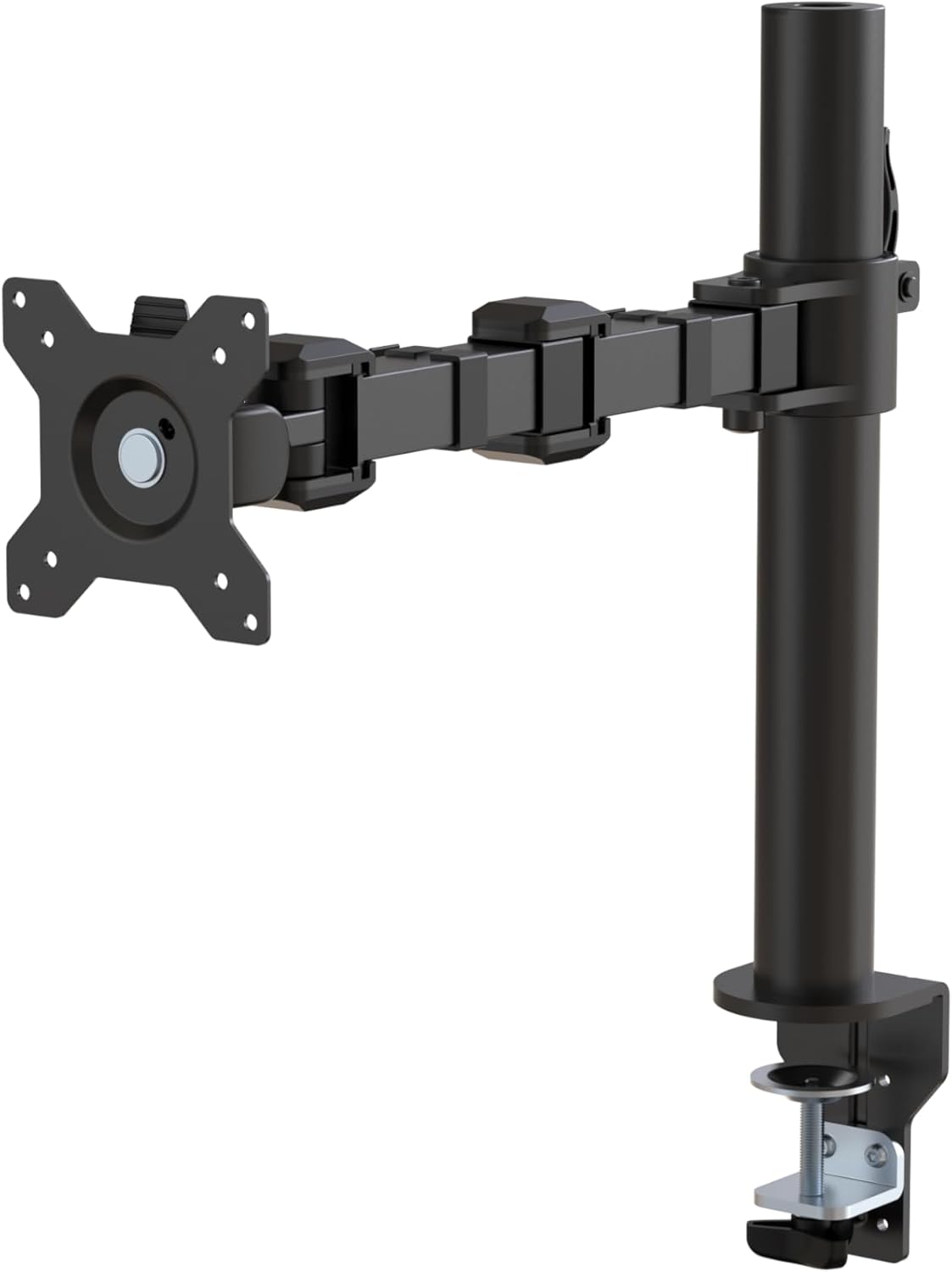
| Amazon Basics Arm | 3.3–17.6 lbs | ~13" | 75×75, 100×100 | ~$24 | ~$1.36/lb | Light monitors, first-time arm buyers |
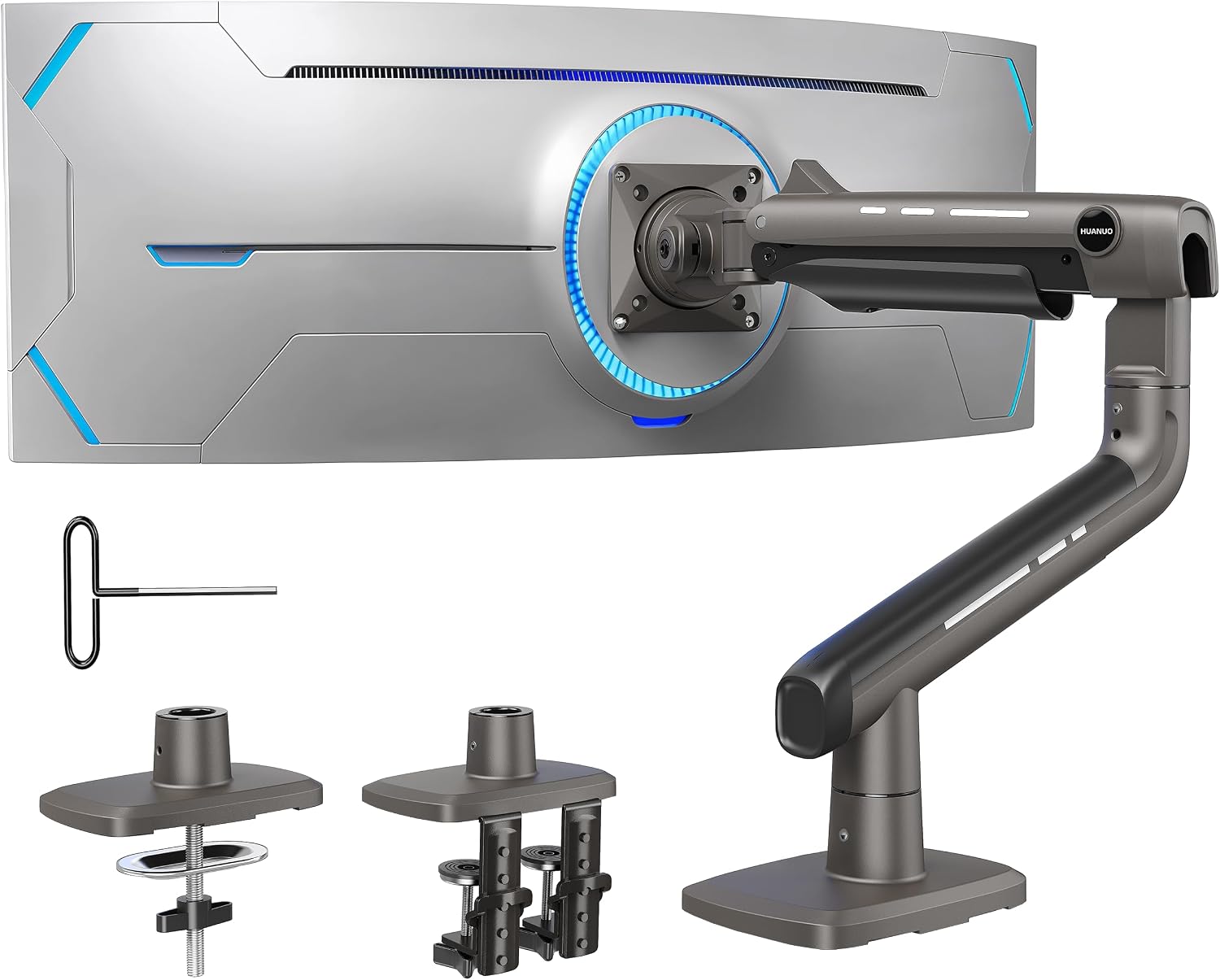
| HUANUO TitanLift | Up to 44 lbs | ~15" | 75×75, 100×100 | ~$94 | ~$2.14/lb | Heavy monitors on a tight budget |
Derived column note: Price per lb of rated capacity is a useful cross-shopping signal because it normalizes cost against the engineering that prevents drift. The Ergotron LX and HX cluster together (~$8–$8.50/lb) — you're paying for proven gas-lift quality. The Humanscale M8.1 charges a counterbalance premium that isn't visible in this metric alone. The Amazon Basics arm's $1.36/lb looks remarkable until you see the owner feedback on long-term hold.
The picks
Ergotron LX — Best Overall
The LX has earned its reputation through years of consistent owner feedback, not marketing copy. Based on published reviews and long-term owner reports, the gas-lift mechanism holds monitor position reliably well past the 12-month mark — which is where cheaper arms start creeping. The 7–25 lb weight range covers the majority of 24–32" monitors. Rated for monitors up to 34", with 15" of vertical travel and ±90° of rotation. The 10-year warranty is the longest in its price class.
The LX is the right pick for anyone with a standard single 24–32" monitor who wants the problem solved and forgotten. If your monitor weighs more than 20 lbs, read the HX entry below before deciding.
Ergotron HX — Best for Heavy Ultrawides
The HX is what happens when Ergotron takes the LX platform and re-engineers the gas lift for monitors in the 20–42 lb range. Based on spec sheets and owner reports, this arm handles 38–49" ultrawide panels — the category that kills sub-$100 arms within six months. Vertical travel is comparable to the LX at roughly 14", and the build quality reports are consistent: solid, no drift, but the arm itself is physically heavier and installation takes more effort.
Best for: anyone running a 34"+ ultrawide or a heavy gaming monitor who's already burned an arm on a cheaper unit that couldn't hold the load.
Humanscale M8.1 — Best Premium / Zero-Drift
The M8.1 uses a counterbalance spring mechanism rather than a gas cylinder — a meaningful distinction for long-term reliability, since springs don't lose tension the way gas lifts can weaken over years. It's not a perfect product: the Amazon rating (3.8 stars on 34 reviews) reflects some installation complaints, and at ~$454, the price-per-lb-of-capacity metric looks punishing. But the ergonomics design is legitimately sophisticated — built to the Humanscale proprietary monitor spec — and owner reports from corporate-procurement contexts (where this is a common choice) are consistently positive for durability.
Best for: full-time remote workers at a permanent desk who have already tried a mid-range arm and found the occasional drift or creak unacceptable. Not for casual buyers.
HUANUO TitanLift — Best Budget Heavy-Duty
The HUANUO TitanLift sits in an unusual spot: a sub-$100 arm rated to 44 lbs, which is higher than the Ergotron HX's floor. Based on owner reports and its 4.7-star rating across 400+ reviews, it performs noticeably better than standard budget arms for heavier monitors. It's not an Ergotron — the build feel and long-term drift data aren't as well-established given its shorter track record — but for users with a large monitor who can't stretch to $345, it's the most credible budget option in the heavy-duty tier.
Best for: anyone with a 34"+ monitor on a tight budget who needs rated capacity headroom but isn't ready to spend Ergotron HX money.
Amazon Basics Single Monitor Stand Arm — Best Entry-Level
At ~$24, this arm exists to answer one question: "Does repositioning my monitor actually help my neck before I spend $200?" It carries 3.3–17.6 lbs, which covers most 24–27" monitors. Published owner reports are predictably mixed on long-term hold, and at this price point the gas-lift quality isn't in the same class as Ergotron. But it has 18,000+ Amazon reviews, a 4.4-star rating, and it works well enough to prove the concept. Assembly is straightforward; the clamp mechanism is basic but functional on standard desks up to about 2.4" thick.
Best for: first-time monitor arm buyers, secondary monitors that don't need constant repositioning, or anyone testing ergonomic positioning on a strict budget.
Decision framework
Pick the Ergotron LX if your monitor is between 7 and 25 lbs, you have a 24–32" screen, and you want a set-it-and-forget-it arm that won't drift or wobble in two years.
Pick the Ergotron HX if you're running a 34–49" ultrawide or any monitor over 20 lbs — the LX simply isn't built for that load.
Pick the Humanscale M8.1 if you're at your desk 7–8+ hours daily, you've already owned a gas-lift arm and found it drifted over time, and you're willing to pay counterbalance-mechanism money for long-term zero-fuss positioning.
Pick the HUANUO TitanLift if you have a heavy ultrawide and can't justify $345 for the Ergotron HX — it's the most capable sub-$100 arm for large screens, with the caveat that long-term data is thinner.
Pick the Amazon Basics arm if you have a lightweight monitor (under 17 lbs) and want to validate the ergonomic concept for under $25 before committing.
Skip this category entirely if your monitor has no VESA mount — sort that first, then come back.
How we chose
Nine monitor arms were evaluated for this guide, narrowed to five for the final shortlist. Primary sources: manufacturer spec sheets, published expert reviews from ergonomics-focused outlets and established tech publications, and long-term owner discussion threads on Reddit (r/WorkSetup, r/HomeOffice, r/buildapc). On Amazon, one-star review patterns were specifically reviewed for three failure modes: gas-lift drift, wobble under light touch, and clamp slippage. Weight capacity was cross-referenced against real-world monitor weights by screen class to identify arms that operate near their rated ceiling — a common source of early failure. Warranty terms were reviewed directly on manufacturer sites. No products were received for free or tested in-person; this is a synthesis of published evidence.
FAQ
Does a monitor arm actually fix neck pain, or is it overhyped?
It depends on why your neck hurts. If you're looking down at a screen sitting flat on your desk, a monitor arm that raises and tilts the display to eye level will genuinely help — the biomechanics are well-established. If you're already at eye level and still have neck pain, the problem is probably your chair or posture, not the monitor position. See our guide on ergonomic workstation setup for the full picture.
What's the correct monitor height for neck pain?
The general ergonomic guideline is: top of the screen at or slightly below eye level, monitor tilted 10–20° backward from vertical, and screen distance roughly arm's length (18–28"). An arm that lacks enough vertical travel to hit your eye level is essentially useless for this purpose — check the arm's stated height range against your seated eye height before buying.
Can a monitor arm damage my desk?
Clamp-mount arms can leave marks on soft wood surfaces if over-tightened, and they can crack glass desks or hollow-core panels (common in budget Ikea setups) if the desk isn't rated for the load. Use a grommet mount where possible on hollow-core desks. Most arms ship with a rubber pad under the clamp — don't skip it.
Does monitor arm weight capacity matter if my monitor is well under the limit?
Yes — not for safety, but for long-term performance. Gas-lift arms are tuned to a weight range. A monitor at the very bottom of the arm's weight range can be just as problematic as one at the top, because the gas cylinder is calibrated for a specific load. Spec sheets often show a minimum weight as well as a maximum for this reason. The Ergotron LX, for example, lists a 7 lb minimum — putting a 4 lb monitor on it will cause it to drift upward.
Bottom line
If your neck hurts because your monitor is too low — which is the case for most desk workers — a monitor arm is a genuinely effective fix, not ergonomic theater. For the vast majority of people with a single 24–32" monitor, the Ergotron LX ($210) is the right answer: proven gas-lift stability, 10-year warranty, and a track record long enough to trust. Step up to the Ergotron HX ($345) only if your monitor is over 20 lbs or larger than 34". If you're an all-day-at-the-desk worker who has already experienced gas-lift drift and wants a spring-counterbalance mechanism that simply holds, the Humanscale M8.1 (~$454) earns its premium. And if you just want to test whether better monitor positioning actually helps your neck before spending $200, the Amazon Basics arm at ~$24 is a legitimate proof-of-concept — just know its long-term hold isn't in the same league. Fix the VESA situation on your monitor first; everything else follows from there.