

Best Cable Sleeves for Under Desk Setup 2026
This article contains affiliate links. If you purchase through these links, we may earn a small commission at no extra cost to you.
The cables under your desk aren't a design problem. They're a maintenance problem. Power cables migrate. Peripherals get swapped. That tidy bundle you zip-tied in January becomes a hazard by March. Whatever you buy needs to handle change — not just look good on day one.
The other thing review sites get wrong: they treat all cable management as one category. A braided sleeve, a J-channel, and a hook-and-loop tie do completely different jobs. Buying the wrong type for your situation means you either can't get cables in and out without cutting, or your "solution" slides off the desk edge after a week.
This guide covers five options that actually belong under a desk — not in a server rack, not behind a TV. Each one is sized, priced, and structured for a home office context.
What to Look For (and What to Ignore)
Coverage method — this is the whole decision
There are three fundamentally different approaches in this roundup:
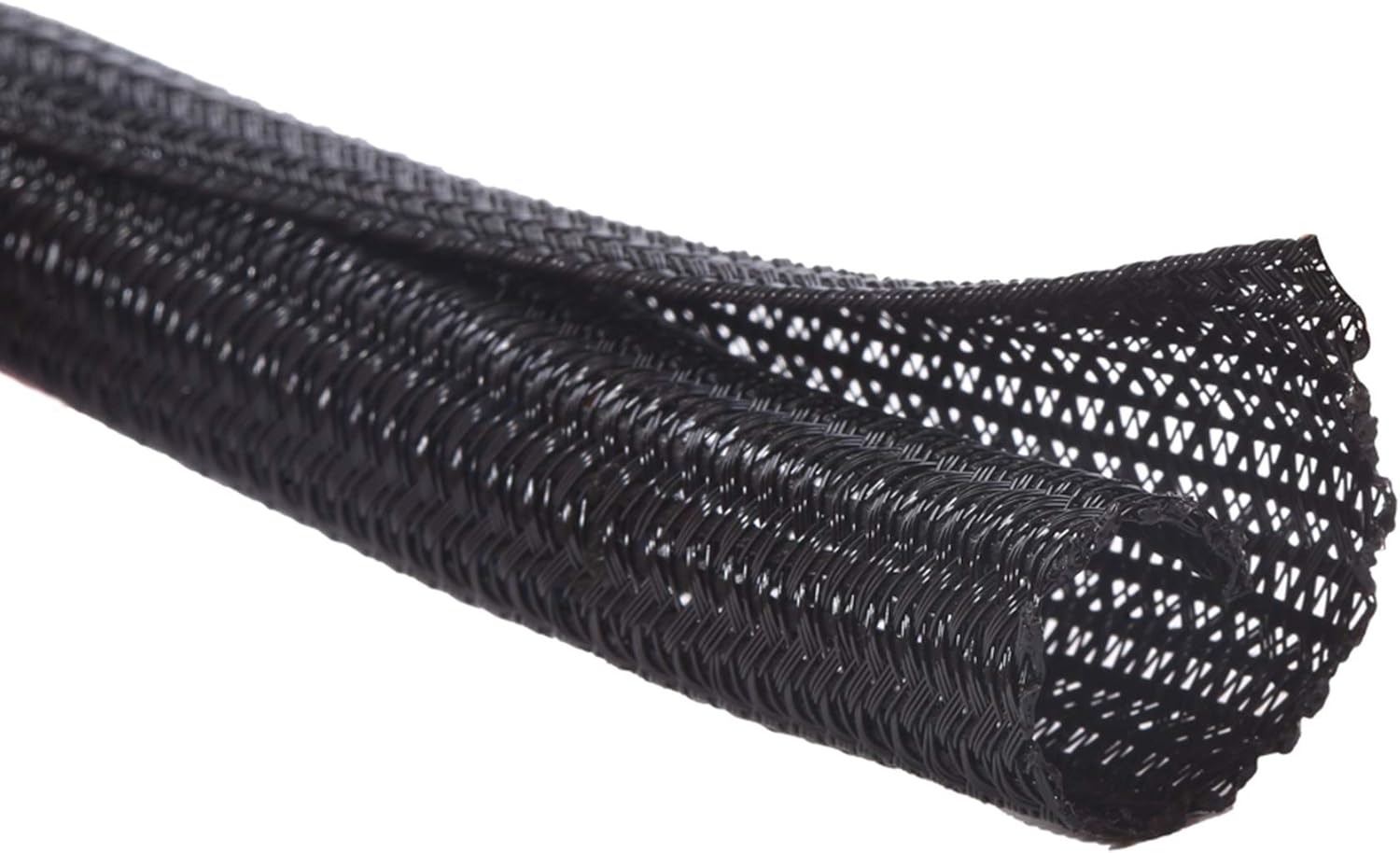
Split-loom tubing (Alex Tech) snaps open along a lengthwise slit. You feed cables in without disconnecting them. You can add or remove cables later. The tradeoff: the slit is visible, and the tube can pop open under tension.
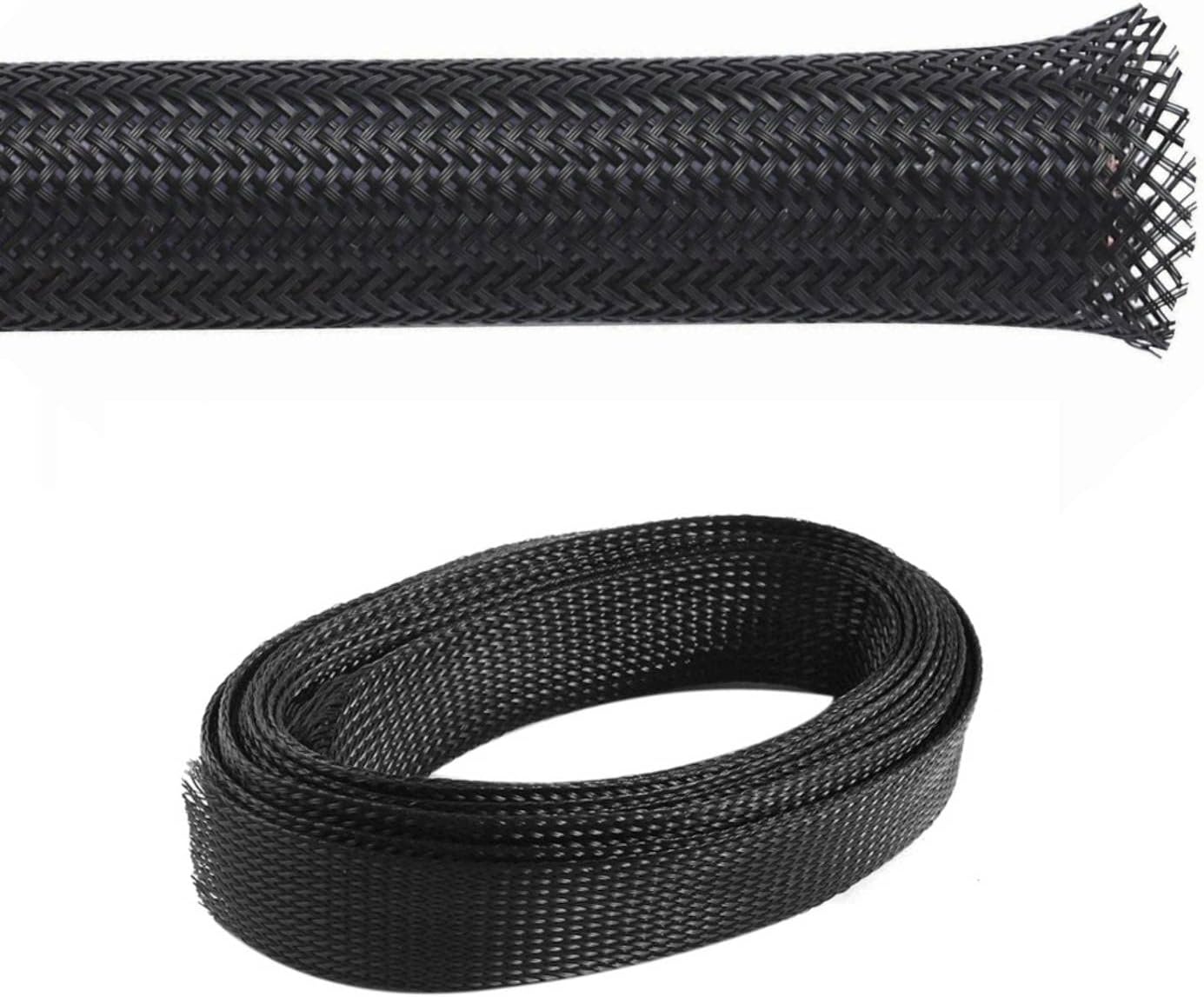
Braided expandable sleeving (Kable Kontrol) looks cleaner, but the open-weave design means individual cables show through and you typically need to thread cables from one end — disconnection required. Better for permanent installs.
Hook-and-loop sleeves (VELCRO Mountable) are the fastest install but lowest coverage. They wrap a bundle rather than enclose it.
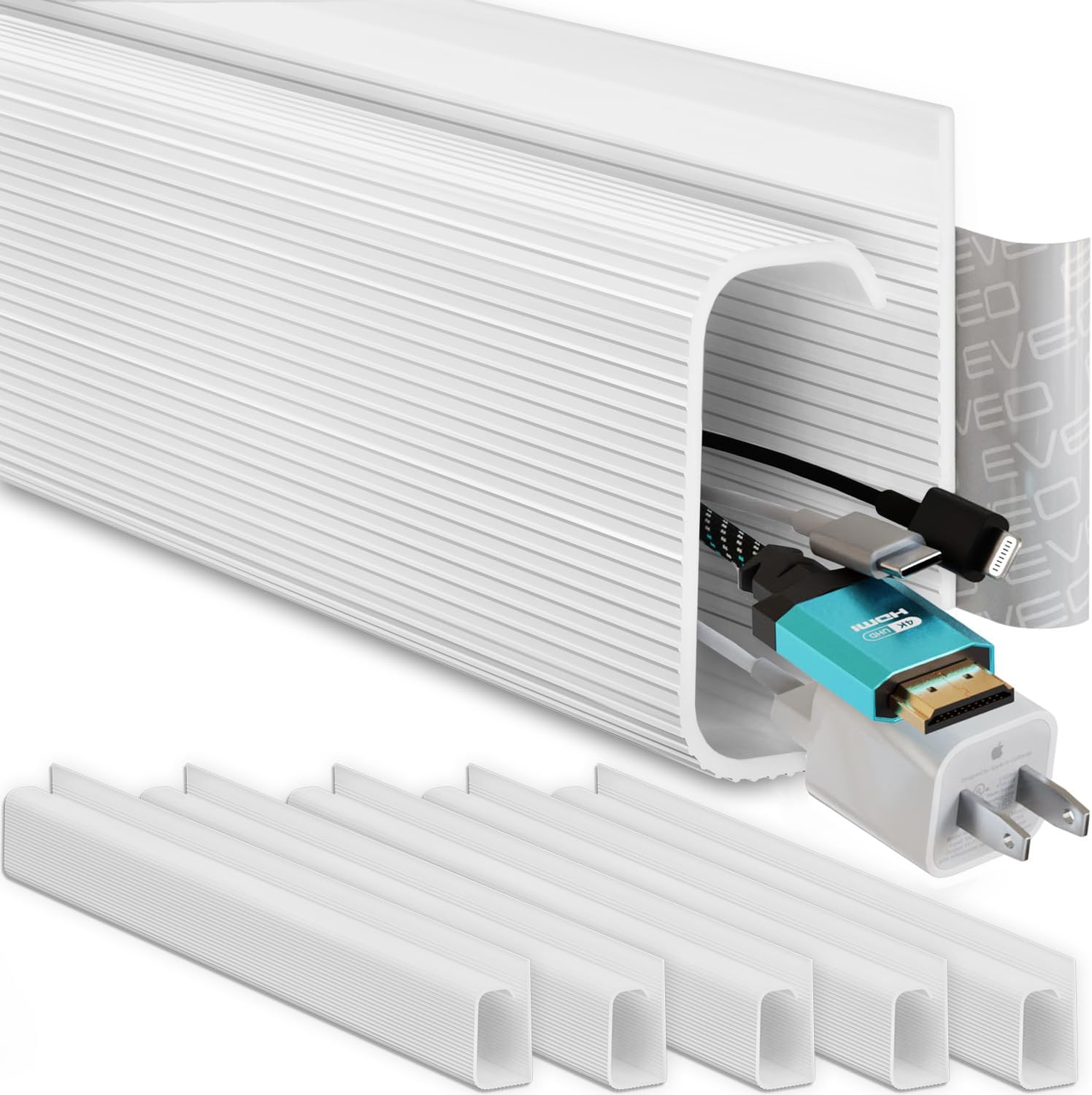
Adhesive J-channels (EVEO) mount to a surface and snap a cover over the cables. Complete concealment. Also the most commitment — adhesive removal on painted drywall or laminate desktops is a real risk.
Reusable ties (VELCRO ONE-Wrap) aren't sleeves at all; they're bundle management. Every desk should have a pack, but they don't replace sleeve coverage.
Diameter — measure before you buy
Split loom and braided sleeves are sold by nominal inner diameter. A ½-inch loom holds one or two USB-A cables. A 1-inch loom handles three to five cables including a thick monitor power cord. Measure the bundle you're actually routing, not the thickest individual cable.
Adhesive quality and reversibility
Every product with a stick-on mounting component has a 1-star pile from people whose channel fell off a glass desk or whose 3M pad ripped paint off drywall. The EVEO J-channel uses 3M VHB tape, which is strong — and that's the problem on painted surfaces. Test on a discreet spot first.
Price per foot — the only honest unit
A pack that looks cheap until you realize it covers 39 inches is not cheap. The comparison table below derives price per foot across all five products. That's the number that matters for budgeting a full desk run.
Reversibility and access
Standing desk users: your cables move every time the desk does. Braided sleeving with heat-shrink ends is permanent. Split loom and hook-and-loop are reversible. J-channels are technically removable but "removable adhesive" is a polite fiction on rough surfaces.
The Picks
1. Alex Tech Split Wire Loom Tubing Cable Sleeve — Best Overall
With over 83,000 reviews at 4.7 stars, the owner data here is unusually deep. Published reviews and owner reports consistently point to the split-loom design as the best balance of flexibility, price, and install ease for a mixed desk cable situation. It's not the prettiest option, but it handles a standing desk's repeated cable movement better than braided alternatives.
Best for anyone running five or more cables under a sit-stand desk who needs to add or swap peripherals without scissors and a new sleeve every time.
2. VELCRO Brand ONE-Wrap Cable Ties — Best Complement (Buy Alongside Your Sleeve)
These are not a sleeve. Call them out for what they are: the fastest, most reversible way to bundle cables before they go into a sleeve, or to manage the short runs that don't need a full loom. Owner reports on Reddit and product forums consistently put these in the "buy a pack, use them everywhere" category. At ~$15.89 for a multi-pack, they're a low-stakes add.
Best as a supplement to any sleeve pick — use them to bundle cables at the desk leg and at the power strip, reducing the number of individual cables entering your sleeve.
3. EVEO Cable Management J Channel — Best for Clean Wall or Desk-Edge Runs
The J-channel is the only option in this roundup that makes cables disappear. Snap the cover on and there's nothing to see. Owner reports on Reddit's r/battlestations and r/homeoffice cite the EVEO channel frequently for monitor cable runs from desk surface to floor, particularly on white desks against white walls. The 4.6-star rating across 5,000+ reviews is respectable; the consistent complaint in 1-stars is adhesive failure on textured or painted surfaces.
Best for wall-mounted monitor setups or any run where you want cables completely hidden along a desk edge — and you're willing to commit to the adhesive.
4. Kable Kontrol PET Expandable Braided Sleeving — Best for Permanent Clean Builds
Expandable braided PET is what you see in high-end PC builds and clean desk tour posts. It looks significantly more polished than split loom. The tradeoff: threading cables through requires disconnection, and finishing the ends properly (heat shrink or tape) adds installation time. At ~$30.99 for the pack, it's the priciest option here, and the 60-review count means the owner data is thin compared to the other picks. Spec sheets and the limited long-term feedback available suggest durability is solid, but caveat the lower review volume.
Best for a permanent workstation where aesthetics matter, cables won't change often, and you're willing to put in the installation time.
5. VELCRO Brand Mountable Cable Sleeve — Best Budget / Quickest Fix
At ~$7.99, this is the lowest barrier to entry in the roundup. It's a hook-and-loop sleeve with a mounting strip — wrap your cable bundle, press it to the underside of the desk or the desk leg, done. The 4.1-star average from 757 reviews is the weakest rating here; the recurring 1-star theme is the mounting adhesive losing grip on textured surfaces over time. For the price, the risk is low.
Best for a single cable run — your monitor cable or power adapter cord — when you want a fix in under five minutes with no tools.
Side-by-Side Comparison
The derived column below is price per foot of coverage — a metric no single product listing will hand you across all five options, but the one that actually matters when you're budgeting a full desk run of 4–6 feet.
Prices are typical at time of writing; verify before purchasing.
| Product | Type | Typical Price | Coverage | Price per Foot | Best For |
|---|---|---|---|---|---|
| Alex Tech Split Wire Loom | Split-loom tube | ~$14.99 | ~4 ft (½-in dia.) | ~$3.75/ft | Mixed cables, standing desks |
| VELCRO ONE-Wrap Ties | Hook-and-loop ties | ~$15.89 | N/A (per-tie) | N/A (complement, not sleeve) | Bundling before sleeving |
| EVEO J Channel | Adhesive channel | ~$20.00 | ~6.6 ft total | ~$3.03/ft | Hidden wall/edge runs |
| Kable Kontrol Braided | Expandable braid | ~$30.99 | ~10 ft | ~$3.10/ft | Permanent clean builds |
| VELCRO Mountable Sleeve | Hook-and-loop sleeve | ~$7.99 | ~4 ft | ~$2.00/ft | Single-run quick fix |
Coverage lengths based on manufacturer-stated pack specs. VELCRO ONE-Wrap ties excluded from price-per-foot calculation — they're a bundle management tool, not a coverage sleeve; treating them as such would produce a meaningless number.
Which One Is Actually For You
Pick the Alex Tech Split Loom if you have a sit-stand desk or regularly swap peripherals and need to add or remove cables without cutting anything.
Pick the VELCRO Mountable Sleeve if you have one or two cables to wrangle, you're renting (so no adhesive commitment), and you want it done in five minutes.
Pick the EVEO J Channel if you're mounting a monitor and want the cable run from desk to wall to be genuinely invisible — and you've tested the adhesive on your specific surface first.
Pick the Kable Kontrol Braided Sleeving if aesthetics are your primary driver, your cable loadout is fixed, and you're willing to spend 30–45 minutes on a proper installation.
Add the VELCRO ONE-Wrap ties regardless of which sleeve you pick — they belong in every desk drawer.
Skip cable sleeves entirely if your problem is that cables don't reach — no sleeve fixes a power strip positioned two feet from where your cables actually terminate. Solve the reach problem first (desk grommet, longer cables, or a cable raceway with a built-in power strip mount).
FAQ
What's the most common mistake buyers make with cable sleeves?
Buying by price alone and ignoring coverage method. A $7 hook-and-loop sleeve and a $30 braided sleeve don't do the same job. The hook-and-loop is reversible and takes 60 seconds; the braided sleeve requires threading cables through from scratch. If you have a standing desk or swap gear regularly, the "nicer" braided option will frustrate you inside a month.
Will adhesive cable channels damage my desk?
Possibly, especially on painted wood, laminate, or glass. Owner reports on Amazon and Reddit consistently cite adhesive failure on textured surfaces and paint pull on removal from melamine/laminate desktops. Test 3M VHB tape on a hidden area of your surface for 48 hours before committing. On raw metal desk frames and bare wood, adhesion is generally more reliable.
Can I use split-loom tubing on a standing desk?
Yes — it's the best option for a standing desk precisely because you can open the slit and reroute cables as the desk moves. Published guidance from standing desk forums consistently recommends split loom over braided sleeving for motorized desks because cable flex is a real issue over thousands of height cycles.
How much cable sleeve do I actually need?
Measure the longest unmanaged run on your desk, then add 20%. Under-desk runs typically range from 3 to 6 feet. Most packs cover 4 feet in a single diameter; if you have two distinct runs (say, monitor cables and power cables), buy two packs or one pack in two sizes rather than trying to force everything into one oversized tube.
How We Chose
Owner review patterns across Amazon (over 186,000 combined ratings for these five products) formed the primary signal — specifically one-star complaints, which surface real failure modes that marketing copy won't touch: adhesive falling off glass desks, split loom popping open under tension, and hook-and-loop sleeves losing grip over time. Manufacturer spec sheets provided coverage lengths and diameter specs. Reddit communities (r/battlestations, r/homeoffice, r/cableporn) contributed real-world install context and long-term use feedback. Approximately 9 cable management products were reviewed before narrowing to this shortlist, with cuts made primarily on unsuitable use case (server/AV room products) or insufficient review volume to assess real-world reliability. Decision criteria weighted in order: coverage method fit for home office use, install reversibility, price per foot, and owner-reported durability.
Bottom line
For most under-desk cable situations, the Alex Tech Split Wire Loom is the right answer: deep review history, a proven split-loom design that survives the constant cable additions and swaps of a real work desk, and a price per foot that's competitive once you account for how much coverage you're actually getting. If you have one cable run and want it handled in five minutes without adhesive risk, the VELCRO Mountable Sleeve at ~$7.99 is the lowest-friction option in the roundup. If you need cables to genuinely disappear — wall runs, monitor cable drops — spend the extra on the EVEO J Channel and test your surface before committing the VHB tape. Whatever sleeve you pick, add a pack of VELCRO ONE-Wrap ties for bundle management at the desk legs and power strip; they're the unsexy background piece that makes any sleeve solution work better.