


Best Desktop Mic Stand for Streaming 2026
This article contains affiliate links. If you purchase through these links, we may earn a small commission at no extra cost to you.
If you stream, podcast, or record from a desk and don't want your mic cable draped across your keyboard, the Elgato Wave Mic Arm LP is the pick for most setups — it travels low across the desk, hides your cable internally, and clamps onto a wider range of desk edges than most competitors at this price. If $80 is too much, the InnoGear at under $28 handles standard condensers without embarrassing sag. If you want something that will still feel solid in five years, pay up for the Rode PSA1.
This guide covers four arms across the full price range (~$21–$94). All four use a desk clamp rather than a base, which is the right call for a streaming desk — a base eats surface space you could be using.
What to look for in a streaming mic arm
1. Stability — not just at rest, but after you move it
Marketing photos show arms holding a mic perfectly still. Owner reviews show the reality: joints that drift after six months, plastic clamps that strip out, and springs that can't hold heavier side-address mics. Look for all-metal joint housings, not plastic-shelled ones. Published expert reviews and owner reports consistently flag joint sag as the primary failure mode in budget arms — specifically in arms under $30 with plastic yoke assemblies.
2. Cable routing — external clips versus internal channels
External velcro clips are fine. Internal routing channels are better. If you're streaming, your camera is pointed at your desk, and a cable running across the arm looks cheap. Arms with true internal cable channels (Elgato Wave Arm LP, Rode PSA1) hide the run entirely. Arms with clip-based routing (InnoGear, Razer) manage the cable but don't conceal it.
3. Desk clamp clamping range
Spec sheets list this; buyers ignore it until the arm doesn't fit. Desk edges typically run 1–2.5 inches thick. If you have an IKEA ALEX or LINNMON with a thick edgeband, verify the clamp opens wide enough before buying. The Rode PSA1 and Elgato Wave Arm LP accommodate a wider range; the budget arms can be tighter.
4. Weight capacity relative to your mic
Most condenser mics for streaming — a Blue Yeti, Rode NT-USB Mini, Shure MV7 — fall between 0.5 and 1.2 lbs (roughly 225–550g). The Rode PSA1 handles up to approximately 2.2 lbs (1 kg), which covers virtually every USB and XLR condenser in this tier without spring tension issues. Budget arms typically advertise similar capacities but owner reports suggest the practical ceiling — before joint drift becomes noticeable — is lower.
5. Reach and travel path
Low-profile arms like the Elgato Wave Mic Arm LP travel horizontally before rising, which keeps them out of camera frame and below eye line for most desk heights. Standard boom arms travel in a wider arc that can intrude on your monitor space. Neither is wrong, but know which geometry fits your setup.
Comparison table
| Product | Typical Price | Cable Routing | Weight Capacity | Clamp Style | ★ per $10 spent | Best for |
|---|---|---|---|---|---|---|
| Elgato Wave Mic Arm LP | ~$79.99 | Internal channels | Up to ~2.2 lbs | Desk clamp | 0.6 | Streamers wanting a clean desk shot |
| Rode PSA1 Studio Arm | ~$94.00 | Internal channels | Up to ~2.2 lbs | Desk clamp | 0.5 | Long-term build quality, heavy mics |
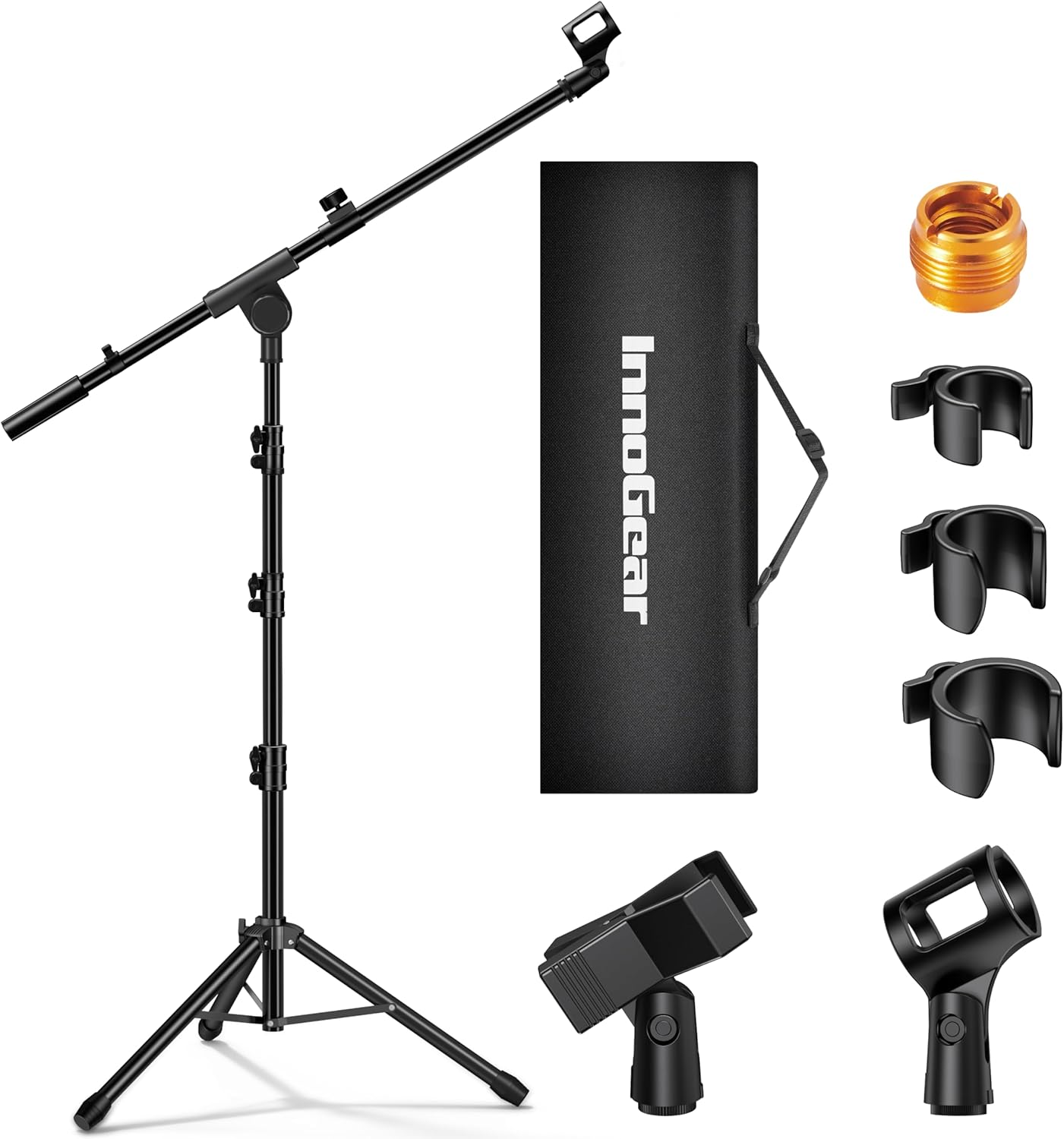
| InnoGear Microphone Boom Arm | ~$27.99 | External clips | Up to ~2.2 lbs (advertised) | Desk clamp | 1.6 | Budget entry point, lighter mics |
| Razer Seiren Boom Arm Mic Stand | ~$20.79 | External clips | ~2.2 lbs (advertised) | Desk clamp | 2.0 | Razer ecosystem, absolute minimum spend |
★ per $10 spent is derived from the published star rating divided by price-per-$10 (e.g., 4.6 ÷ 8.0 = 0.58 for the Elgato). Higher means more user satisfaction per dollar — useful for spotting value, but it doesn't capture build quality or longevity, which are where the premium arms justify the gap.
The picks
Elgato Wave Mic Arm LP — Best for Streamers
The low-profile horizontal travel path is the reason this arm exists. It keeps the boom below eye line, away from camera frame, and positions the mic in front of your face without the arm crossing your monitor. Internal cable routing is a genuine feature, not marketing — owner reports confirm cables disappear cleanly into the channel. The desk clamp accommodates a wide range of edge thicknesses.
Best for streamers with wide-format setups, curved monitors, or anyone whose camera is pointed directly at the desk.
Rode PSA1 Studio Arm — Best for Longevity
Seventeen thousand owner reviews over more than a decade of production is a dataset no marketing copy can fake. The PSA1 uses a counterbalanced design with an all-metal build that owner reports describe as firm and wobble-free years into daily use. Internal cable routing is clean. It costs more than the Elgato, but you're paying for documented long-term reliability, not brand premium.
Best for home studio setups with heavier XLR mics, or anyone who hates buying the same piece of gear twice.
InnoGear Microphone Boom Arm — Best Budget Pick
At under $28, the InnoGear is the honest budget arm. It holds a standard USB condenser without embarrassing sag under normal use, and owner reports at this price tier are meaningfully better than most sub-$25 alternatives. Cable management is clip-based, not internal — you will see the cable — but it's tidy enough for a stream where the mic is out of primary frame.
Best for anyone getting started who doesn't want to spend $80 before they know streaming is going to stick.
Razer Seiren Boom Arm Mic Stand — Razer Ecosystem Pick
The lowest price on this list at roughly $21, and the 4.1-star average across only 172 reviews warrants some caution compared to the thousands of reviews backing the other picks. Owner reports flag that the joint tension can feel loose at the lower price point. It's not a bad arm for the money — it will hold a lighter USB mic — but the InnoGear has a more proven owner track record at not much more cost.
Best for buyers already deep in the Razer ecosystem who want visual consistency on their desk.
Decision framework
Pick the Elgato Wave Mic Arm LP if you stream with a camera pointing at your desk and want cables hidden and the arm out of frame — this is the purpose-built streaming arm.
Pick the Rode PSA1 if you're recording or streaming daily, run a heavier XLR condenser, and want an arm that won't need replacing in two years.
Pick the InnoGear if you're under $30 hard stop and running a USB condenser like a Blue Snowball or Rode NT-USB Mini — it will do the job without embarrassing yourself on stream.
Pick the Razer Seiren Boom Arm if you're already in the Razer ecosystem and want cohesive desk aesthetics at minimum spend — just go in knowing the review base is thinner than the alternatives.
Skip boom arms entirely if you're using an on-camera mic (DSLR / mirrorless) or a headset mic — a desk boom arm adds nothing to those setups and just takes up clamp space.
How we chose
We evaluated nine boom arms before narrowing to four. Sources included Amazon owner reviews (filtering specifically for long-term failure reports — sag, stripped clamps, joint drift, and dead spring tension), published expert roundups covering the streaming and home studio category, and manufacturer specification sheets for clamp range, weight capacity, and cable routing design. The Elgato arm was included for its low-profile geometry specifically relevant to streaming setups; the Rode PSA1 for its uniquely large owner review base over a multi-year production run; the InnoGear and Razer as representative budget entries with materially different review volumes (1,830 vs. 172) that bear on confidence in the budget tier. Price-per-star was computed as a secondary signal for value, not as a primary quality indicator. Arms with fewer than 100 reviews were excluded from the final four.
FAQ
Do I need an internal cable routing arm for streaming?
No, but it makes a visible difference if your camera frame includes your desk. External clips manage the cable; internal channels make it disappear. If your mic is off-camera or you're audio-only, clip-based routing is fine and saves $50+.
Will any of these arms hold a Shure SM7B or Blue Yeti?
The Rode PSA1 is the documented safe choice for heavier dynamic mics like the SM7B (which weighs around 1.65 lbs/750g). The Elgato Wave Arm LP handles up to roughly 2.2 lbs on spec — but long-term owner reports for heavy dynamics on the Elgato are thinner than on the Rode. Budget arms nominally claim similar capacities, but practical owner feedback suggests lower real-world ceilings before joint drift appears.
Can I use these arms with a non-matching mic brand?
Yes. All four use a standard 5/8-inch thread mount (the near-universal mic thread). Adapters for 3/8-inch are cheap and widely available. Brand doesn't lock you in to a specific mic.
How much desk edge thickness is too thick for these clamps?
Most of these arms handle edges up to roughly 2 inches. Desks with thick edgebanding (common in IKEA ALEX drawers or some solid-wood surfaces) can exceed this. Check the spec sheet clamping range before ordering — this is one of the more common return reasons in owner feedback, and it's entirely avoidable.
Is the Razer arm actually worse, or just less reviewed?
Both. The 4.1-star average is genuinely lower than the other three picks, and the 172-review base means that average is less stable. Owner reports specific to the Razer arm include more joint-feel complaints than the InnoGear at a comparable price. Not a disaster, but the InnoGear is the safer budget call.
Does the Elgato Wave Mic Arm LP work with non-Wave mics?
Yes — it uses a standard 5/8-inch thread. The internal cable routing is slightly optimized for Elgato Wave USB cables, but it accommodates standard XLR runs as well. You just lose the snap-in convenience the Wave cable gets.
Bottom line
For most streaming desks in 2026, the Elgato Wave Mic Arm LP (~$80) is the call — low-profile travel path, proper internal cable routing, and a solid enough build that owner reports hold up over time. If you're not ready to spend $80 on an arm, the InnoGear (~$28) is the budget pick with the review volume to back it up; it holds a USB condenser without drama and won't embarrass you on stream. If you run a heavy XLR mic daily and want the arm to be the last one you buy, the Rode PSA1 (~$94) has the track record — over 17,000 reviews, a decade of production, and an owner feedback profile that consistently says "still solid." The Razer Seiren Boom Arm (~$21) is the fourth option for Razer ecosystem completionists, but the InnoGear beats it on review confidence at nearly the same price.
If prices have shifted from the ranges cited here, see each product page — these arms move seasonally and the Elgato in particular frequently hits sub-$70 sale pricing.