


Best Desk Lamps for Reducing Blue Light (2026)
This article contains affiliate links. If you purchase through these links, we may earn a small commission at no extra cost to you.
Your eyes hurt by 3 p.m. not because you're staring at a screen, but because your desk lamp is fighting your screen. Most office lamps ship set to 6000K — that clinical, bluish-white that looks "bright and clean" in a showroom and causes measurable melatonin suppression and eyestrain over an eight-hour workday. Reducing blue light at your desk isn't about hunting for orange-tinted glasses; it's about controlling color temperature across the full light environment around your monitor. The right lamp lets you dial down toward 2700–3000K in the evening and stay there without losing enough illuminance to actually read.
This guide focuses on that specific job: lamps and monitor light bars that (a) reach genuinely warm color temperatures, not just "3000K minimum" marketing copy, and (b) don't create screen glare that defeats the purpose.
What to look for — and what the spec sheet won't tell you
Color temperature floor, not just range
Manufacturers love listing ranges like "2700K–6500K." What they bury is whether the lamp can hold 2700K at a usable brightness level, or whether dimming to warm tones drops illuminance to near-zero. Look for lamps that owners confirm stay usably bright below 3000K. If you work late, your floor matters more than your ceiling.
CRI — color rendering, not just warmth
A CRI of 90+ means colors on physical materials — sticky notes, documents, food — look accurate under the lamp. Low-CRI warm light can look muddy. For desk work, CRI ≥ 90 is worth specifying, though it's underreported on budget lamps.
Asymmetric optics (monitor lamps specifically)
If you're mounting a light bar on your monitor, asymmetric beam design is non-negotiable. It directs light downward onto the desk and keyboard, not into the screen. A symmetric lamp mounted on a monitor creates glare that makes your blue-light reduction effort pointless. This is the single most common mistake in this category.
Glare angle and desk coverage
For traditional desk lamps, look for a shade deep enough that you can't see the LED array from normal seated viewing angles. Some "architectural" lamp designs look great in marketing photos and create direct glare. Owner one-stars on this topic are revealing — search "[product name] glare" before buying.
App dependency
Several "smart" lamps require an app to set color temperature. If the app gets discontinued, or you're in a network-restricted corporate environment, you lose control of the feature that made you buy the lamp. Hardware dials or onboard buttons are more durable investments.
The picks
BenQ ScreenBar Pro — Best Overall
Spec sheets and a substantial owner base (1,200+ reviews at 4.8 stars) consistently identify this as the monitor lamp that does the job without compromise. The asymmetric optical design is genuinely engineered, not a marketing afterthought, and the color temperature range covers the warm end where blue light reduction actually matters.
The ScreenBar Pro is for remote workers who want a monitor lamp they set once and forget. If you've already been burned by a lamp that looked warm on paper but washed out below 4000K, this is the corrective purchase.
BenQ ScreenBar Halo 2 — Best for Bias Lighting + Blue Light Control
The Halo 2 adds something no other monitor lamp in this roundup offers: a rear-facing ambient segment that throws a soft glow behind the monitor. That rear glow reduces the perceived contrast between a bright screen and a dark wall — one of the lesser-discussed contributors to evening eyestrain. It's a two-problems-one-product argument, and the evidence supports it.
Worth the premium specifically if your monitor sits against a dark wall and you work into the evening. If you work in a naturally lit room and shut down by 6 p.m., the Halo 2's rear segment won't change your life — save the money and buy the ScreenBar Pro instead.
Quntis Monitor Light Bar — Best Budget
Over 13,000 Amazon reviews at 4.6 stars is a sample size that filters out honeymoon-period bias. Owner reports broadly confirm it reaches usably warm color temperatures and the asymmetric design does what it's supposed to. For under $40, no monitor lamp in this category comes close on verified owner volume.
The Quntis is the right call if you've never tried a monitor lamp before and aren't ready to commit $140. If you try it and still feel glare or want finer temperature control, then step up.
Elgato Key Light Neo — Best for Video Calls + Blue Light Balance
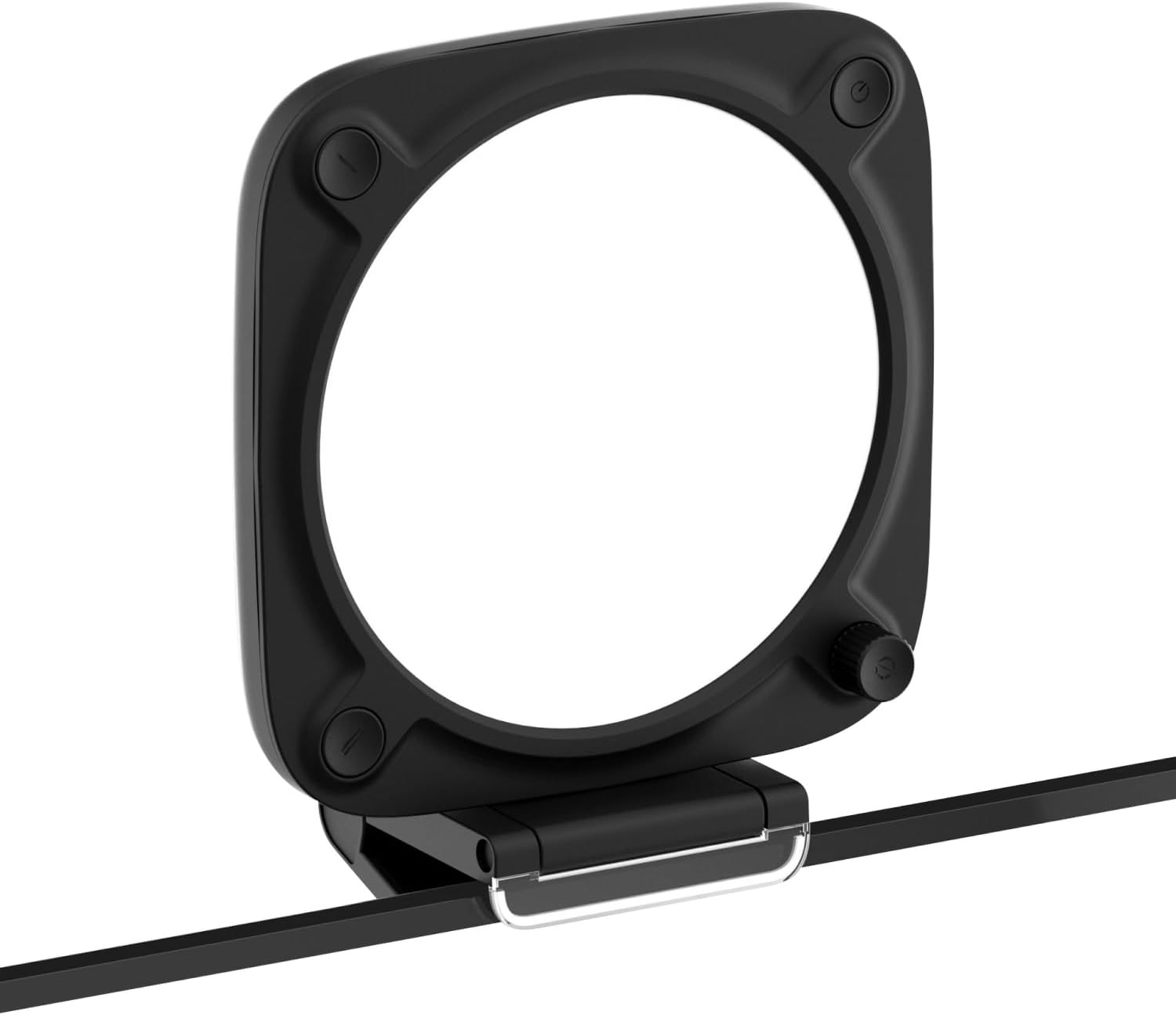
The Key Light Neo is solving a different problem than the other picks: it's a front-facing light designed to illuminate your face for video calls. It earns a spot here because it has a color temperature range that extends into warm territory and its output is calibrated to look good on camera — which means it's also calibrated to not be harshly blue. If you're on calls several hours a day, a front-facing warm lamp matters more than a monitor lamp.
Pair this with any monitor lamp from this list for the full solution. Alone, it's a video call light with warm-mode capability; it's not a substitute for desk task lighting.
BenQ ScreenBar Plus — Best with Desk Controller
The ScreenBar Plus sits between the standard ScreenBar and the Halo 2 in BenQ's lineup, distinguished mainly by its wired desktop dial controller. If your monitor is mounted high or you prefer reaching for a physical knob rather than tapping the top of the lamp bar, the Plus solves that without going all the way to the Halo 2's price.
Targeted at people who tried the base ScreenBar, loved it, but found themselves fumbling for the touch controls. If that's not a complaint you'd have, stick with the Pro.
Side-by-side comparison
The $/100K range column divides typical price by color temperature range in hundreds of Kelvin — a cross-product value metric that reveals how much you're paying for flexibility. A lamp covering 2700K–6500K has a 38-hundred-K range; one covering 3000K–6000K has only 30. Lower $/100K = more temperature flexibility per dollar.
| Product | Typical Price | Color Temp Range | Min Temp | CRI | Mount Type | $/100K range | Best for |
|---|---|---|---|---|---|---|---|
| BenQ ScreenBar Pro | ~$139 | ~2700K–6500K | 2700K | ≥95 | Monitor clip | ~$3.66 | Best all-round daily driver |
| BenQ ScreenBar Halo 2 | ~$199 | ~2700K–6500K | 2700K | ≥95 | Monitor clip | ~$5.24 | Bias lighting + blue light |
| Quntis Monitor Light Bar | ~$40 | ~3000K–6500K | 3000K | Not rated | Monitor clip | ~$1.14 | Budget, first-time buyers |
| BenQ ScreenBar Plus | ~$139 | ~2700K–6500K | 2700K | ≥95 | Monitor clip | ~$3.66 | Dial-control preference |
| Elgato Key Light Neo | ~$90 | ~2900K–7000K | 2900K | — | Monitor/desk mount | ~$2.22 | Video calls + warm mode |
$/100K range = typical price ÷ (color temp range in hundreds of Kelvin). Lower = more color flexibility per dollar. Ranges based on published specs; verify before purchasing as manufacturers occasionally update firmware defaults.
Decision framework
Pick the BenQ ScreenBar Pro if you want the best monitor lamp for an eight-hour workday, prefer hardware controls over an app, and want the widest warm range the spec sheet supports.
Pick the Quntis Monitor Light Bar if you're spending under $40, haven't used a monitor lamp before, or want a low-risk entry point to this category.
Pick the BenQ ScreenBar Halo 2 if your monitor sits against a dark wall, you work past 7 p.m. regularly, and you want to solve bias lighting and blue light in a single purchase.
Pick the Elgato Key Light Neo if you're on video calls for more than two hours a day and need flattering, warm-capable front-facing light — not just task lighting.
Pick the BenQ ScreenBar Plus if you've tried the standard ScreenBar and your main frustration is reaching for the top-mounted touch control; the desk dial is the only meaningful upgrade.
Skip monitor lamps entirely if your desk lamp already reaches 2700K and you control it — a dedicated monitor lamp is redundant if your ambient setup is already tuned. See our guide on ergonomic workstation lighting for the full environment approach.
FAQ
Does a "warm" lamp actually reduce blue light, or is that marketing? It's real, but requires precision. Color temperature correlates directly with the blue wavelength content of light: 6500K is heavy in blue-spectrum emission; 2700K is substantially warmer and reduces blue content. The caveat is that you need a lamp that maintains usable illuminance at 2700K — many dim so aggressively at warm settings that you end up turning them back up and losing the benefit.
What's the most common mistake people make buying one of these lamps? Buying any desk lamp and mounting it so it illuminates the screen rather than the desk. A monitor lamp with asymmetric optics exists specifically to prevent this. If your lamp creates a visible reflection on your screen, it's in the wrong position or the wrong design — no amount of warm color temperature will fix that glare-induced eyestrain.
Do I need both a monitor lamp and a traditional desk lamp? For most single-monitor setups, a good monitor lamp handles task lighting. If you work from physical documents heavily or have a wide desk, a secondary warm desk lamp (2700–3000K, CRI ≥90) aimed at the document area makes sense. The monitor lamp alone is sufficient for keyboard and screen work.
Is the BenQ ScreenBar Pro compatible with curved monitors and ultrawide screens? Based on published specs and owner reports, the ScreenBar Pro accommodates standard and moderately curved monitors. Heavily curved ultrawide panels (1800R curvature or tighter) can cause fit issues with clip-based designs. Verify monitor thickness and curvature against BenQ's compatibility notes before ordering.
How we chose
Ten products were evaluated across two categories: dedicated monitor light bars and desk lamps marketed for eye care or blue light reduction. Products were assessed against manufacturer specification sheets (with particular scrutiny on minimum color temperature and CRI claims), Amazon owner review pools (filtering to products with 100+ reviews to reduce noise), and Reddit discussions in r/HomeOffice, r/buildapc, and r/LifeProTips covering monitor lamp setup and eye strain. Expert coverage from published home-office–focused outlets was cross-referenced for consensus on the monitor lamp category leaders. Primary elimination criteria: minimum color temperature above 3000K, symmetric optics (creating screen glare), app-only control with no hardware fallback, and sample sizes too small to assess long-term reliability. Five products made the final shortlist based on verified owner volume, specs that matched marketing claims, and distinct positioning across the price range.
Bottom line
Most "eye care" desk lighting fails because it gets one variable right and ignores the others — warm color but symmetric glare, or asymmetric optics but a 3500K floor that doesn't go warm enough to matter at 9 p.m. The BenQ ScreenBar Pro threads that needle: genuine 2700K low end, asymmetric anti-glare optics, hardware controls, and a 1,200+ review base that bears out the spec claims. It's the lamp to buy if you're buying once.
If $139 is more than you want to spend before you're convinced monitor lamps work for you, the Quntis Monitor Light Bar at ~$40 is the lowest-risk entry into the category, with 13,000+ owner reviews as evidence it isn't vapor. And if you're solving both blue light and monitor bias lighting at once, the BenQ ScreenBar Halo 2 at ~$199 is the only product in this roundup that handles both jobs without a second purchase.